
Free covers the ISMS basics. Plus and Pro include all areas, full audits, and reports.
Upgrade to Plus or Pro
- Select Upgrade to Plus or Pro at the top.
- Choose monthly or annual billing. Pay by card or SEPA direct debit.
- Sign in with your Valiido account.
Valiido links your payment to that account and activates your plan.
Invoices and payment method
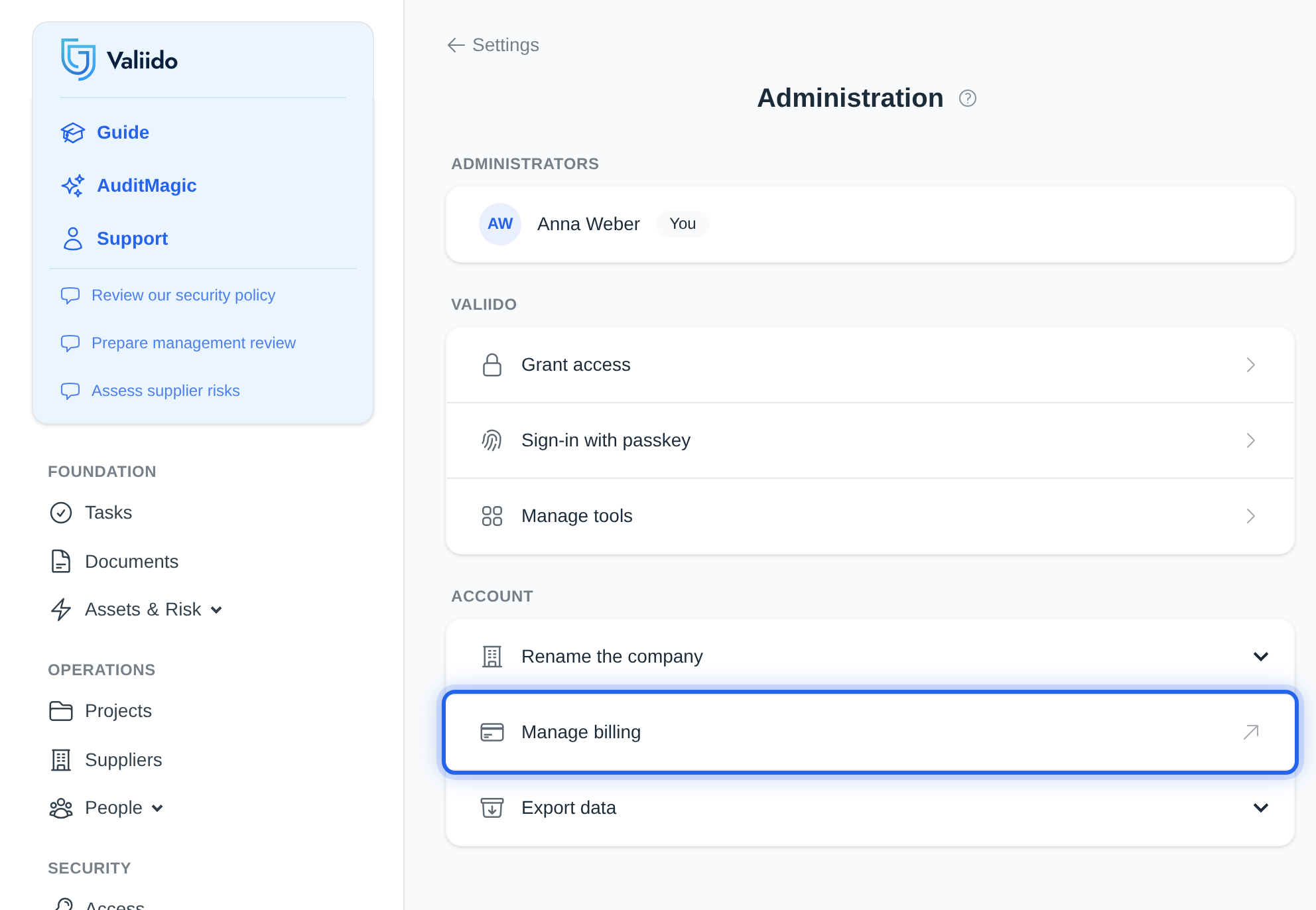
- Open Settings → Administration (Admin access only).
- Select Manage billing to open the portal run by our payment provider, Stripe.
- Enter the email address used for the order and follow the emailed link.
- Download invoices or change your payment method, billing address, and VAT ID.
Cancel your subscription
- Open Manage billing and sign in.
- Cancel anytime in the portal.
Your subscription ends after the paid month or year. Your account then switches to Free.
Common questions
What happens to my data after I cancel?
Your data stays in your account. Upgrade to regain access to areas outside Free. Use Export data beforehand to save everything as a ZIP file.
What does Free include?
Tasks, Documents, Employees, Risks, Threats, Management Reviews, one Incident, selected templates, and guide chapters. AuditMagic shows a preview.
Why haven’t I received an email from the portal?
The portal uses only the email address from the order. If you can’t receive email there, contact support.
Do ISO 27001, TISAX, or NIS2 cost extra?
No. Every plan includes all three standards.