
Auditors use links to trace relationships between risks, assets, measures, and documents.
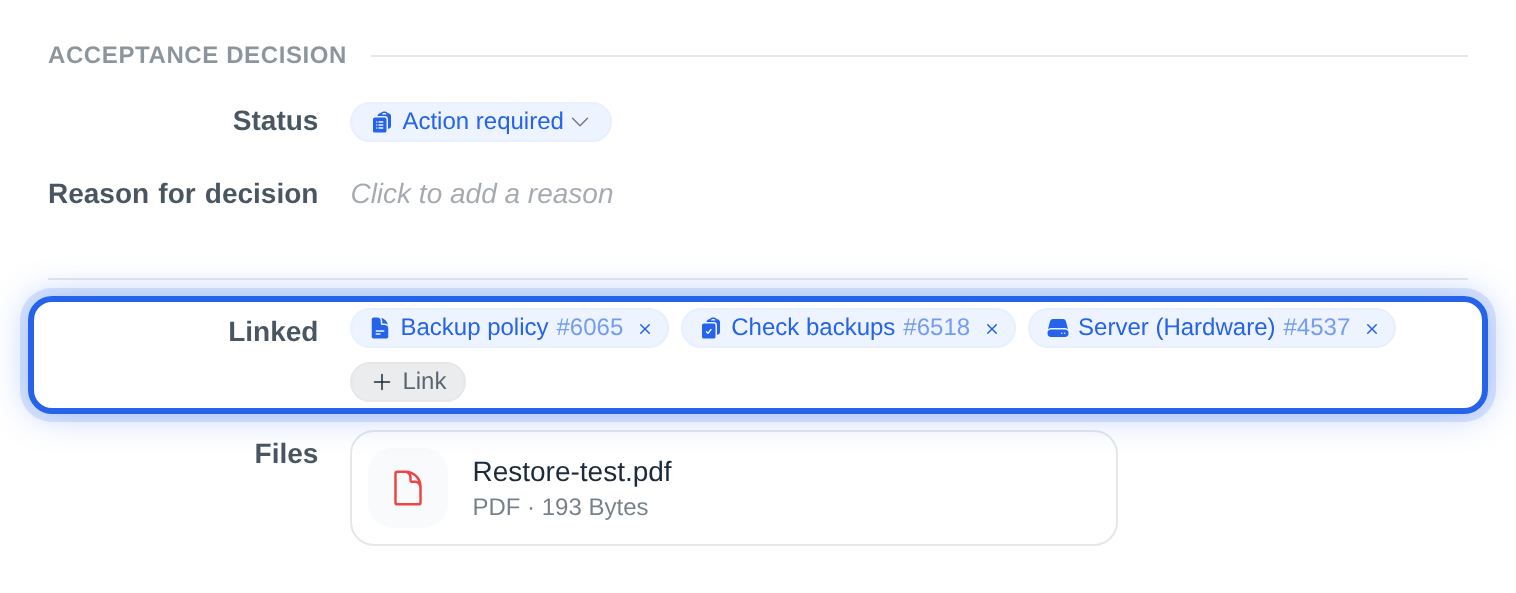
Link records
- Open the record.
- Under Linked, select Link.
- Search by title or number and select the match.
Links appear on both records. You can link projects, risks, tasks, documents, assets, vendors, audits, management reviews, threats, incidents, KPIs, changes, and requirements.
Tip: On records copied from templates, hover over the date for the template link.
Remove a link
- If needed, select +N to show all links.
- Hover over the link and select the X .
Both records remain.
Common questions
Who can see and create links?
You need edit access to link a record and read access to both records to see the link.
What happens when I link a risk?
Linked tasks, projects, or changes count as risk treatment and trigger another AuditMagic review. In each review, AuditMagic sees the type and title of the first eight linked records.
What happens to links when I delete a record?
A deleted record disappears from “Linked”. Restore it and the link is back. Only permanent deletion removes it.