
Comments document decisions, agreements, and checks on a record as audit evidence.
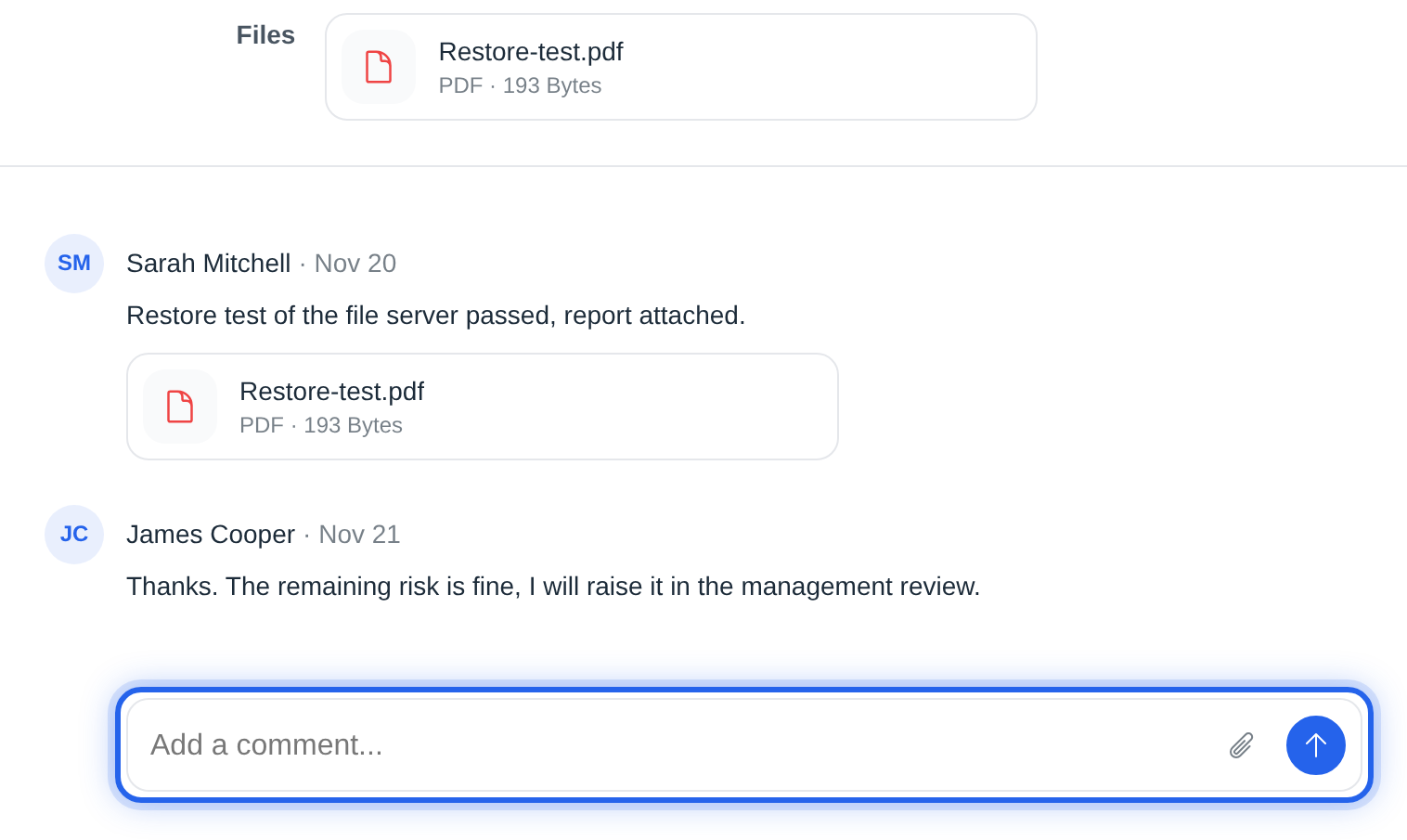
Write a comment
You can comment on any record, including checklist items and KPI measurements.
- Open the record and type in Add a comment....
- Use to attach evidence, such as meeting minutes.
- Press Enter or select to send.
“Files” contains all comment attachments for the record. Entries between comments show who changed the record and when.
Delete a comment
- Hover over your comment.
- Select and confirm.
You can delete only your own comments. After ten minutes, they remain as evidence, even for admins.
Common questions
Can I edit a comment?
No. Delete and replace it within ten minutes. Later, add a follow-up comment.
Who can comment?
Anyone who can edit the record. Read-only users, including auditors, can view comments.
Does the data export include comments?
Yes, with dates and attachments for each record.