
History keeps every change and deletion in your ISMS traceable, and duplicating saves work on similar records.
Duplicate a record
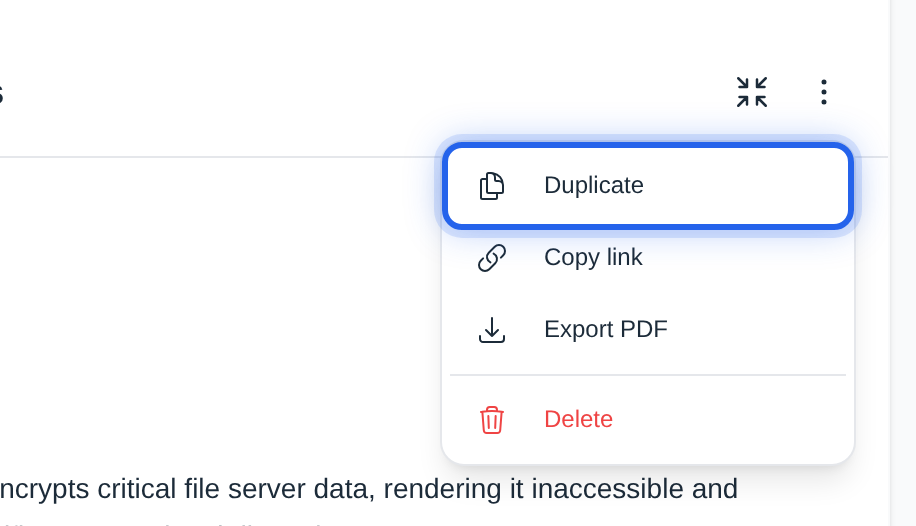
- Open the record’s menu .
- Select Duplicate.
Valiido opens the copy with “(Copy)” appended to its name. It includes all fields, files, and links you can see. Comments, history, and the template link stay with the original.
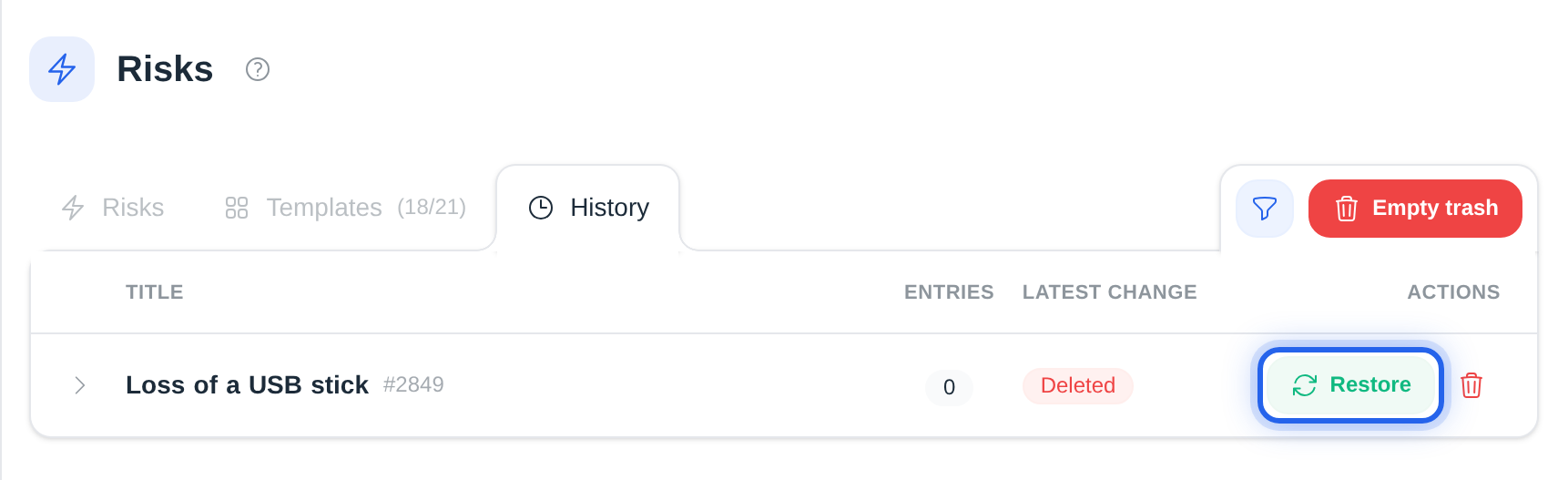
Restore a deleted record
Deleting moves a record to the trash.
- Open History in the relevant area.
- Use to filter for deleted records.
- Select Restore.
Restoring a record preserves its comments and links. For documents, Valiido also restores parent folders and folder contents.
Delete permanently
- In History, select for one deleted record or Empty trash for all.
- Confirm.
This permanently deletes the records, including their comments, links, and history. This cannot be undone.
Common questions
Who can restore records?
Anyone who can edit the area. If you can edit only your own records, History and the trash are hidden.
Does Valiido empty the trash automatically?
No. Records stay in the trash until permanently deleted.
What happens to AuditMagic findings when I delete a record?
Valiido closes the record’s open findings.