
Manage parts of your ISMS in familiar tools like SharePoint, Confluence, or Jira. The Guide, templates, and other areas stay in Valiido.
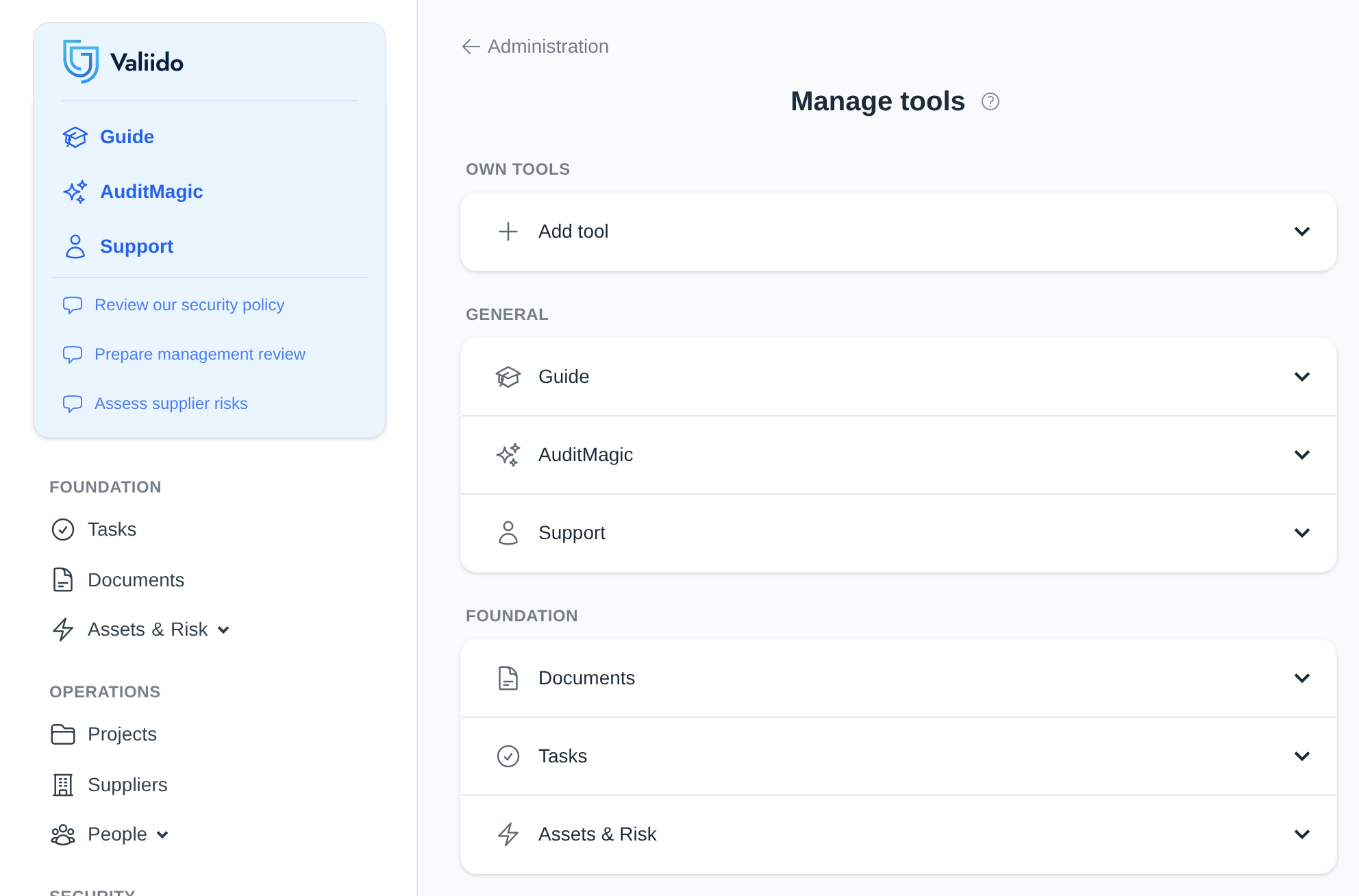
Link an area to your tool
You can link Documents, Tasks, Projects, Suppliers, Changes, Incident & Response, Audits, Reports, and Monitoring. You can only rename other areas.
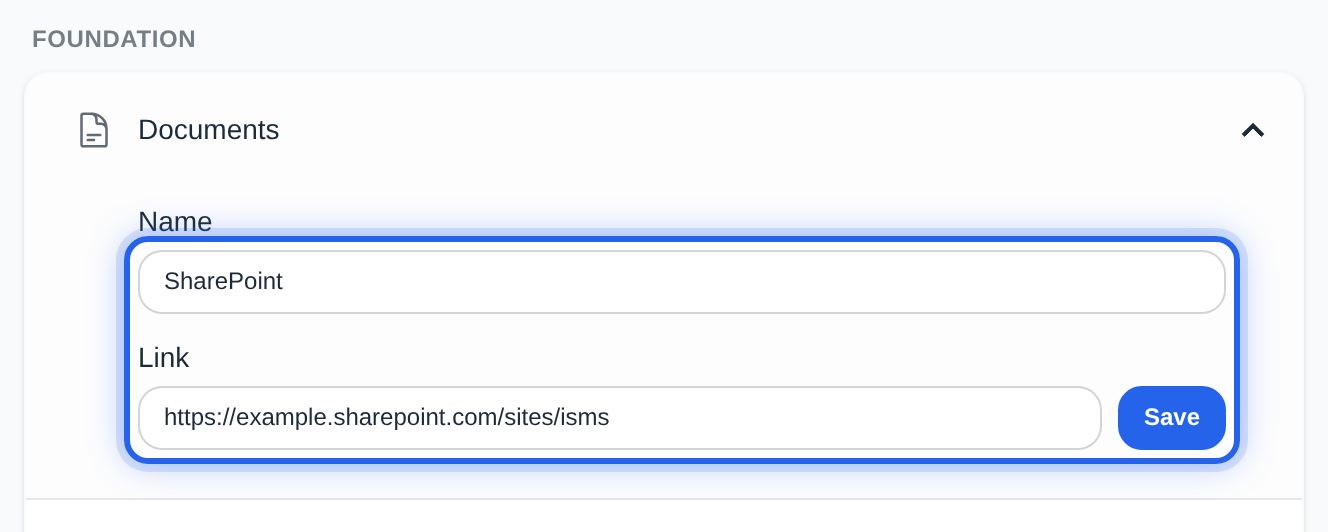
- Under Settings → Administration, open Manage tools. Expand an area, such as Documents.
- Enter the name (such as “SharePoint”) and link.
- Select Save.
The sidebar link opens your tool in a new tab. Select beside it to open the Valiido templates.
Add more links
Use Own tools at the bottom of the sidebar for links unrelated to an area, such as your ticketing system.
- Expand Add tool.
- Enter the name and link and select Save.
Select Remove to delete a link.
Common questions
What happens to the data in Valiido?
Only the sidebar link changes. The Guide and AuditMagic still use your data in Valiido.
How do I undo the link?
Expand the area and select Reset to restore its Valiido name and page.
Who sees the link?
Your access level determines which linked areas you see. Everyone with Valiido access sees links under Own tools.
Who can manage tools?
Only users with the Admin access level.