
Policies and procedures set the security rules for your ISMS. Approval shows auditors which version applies.
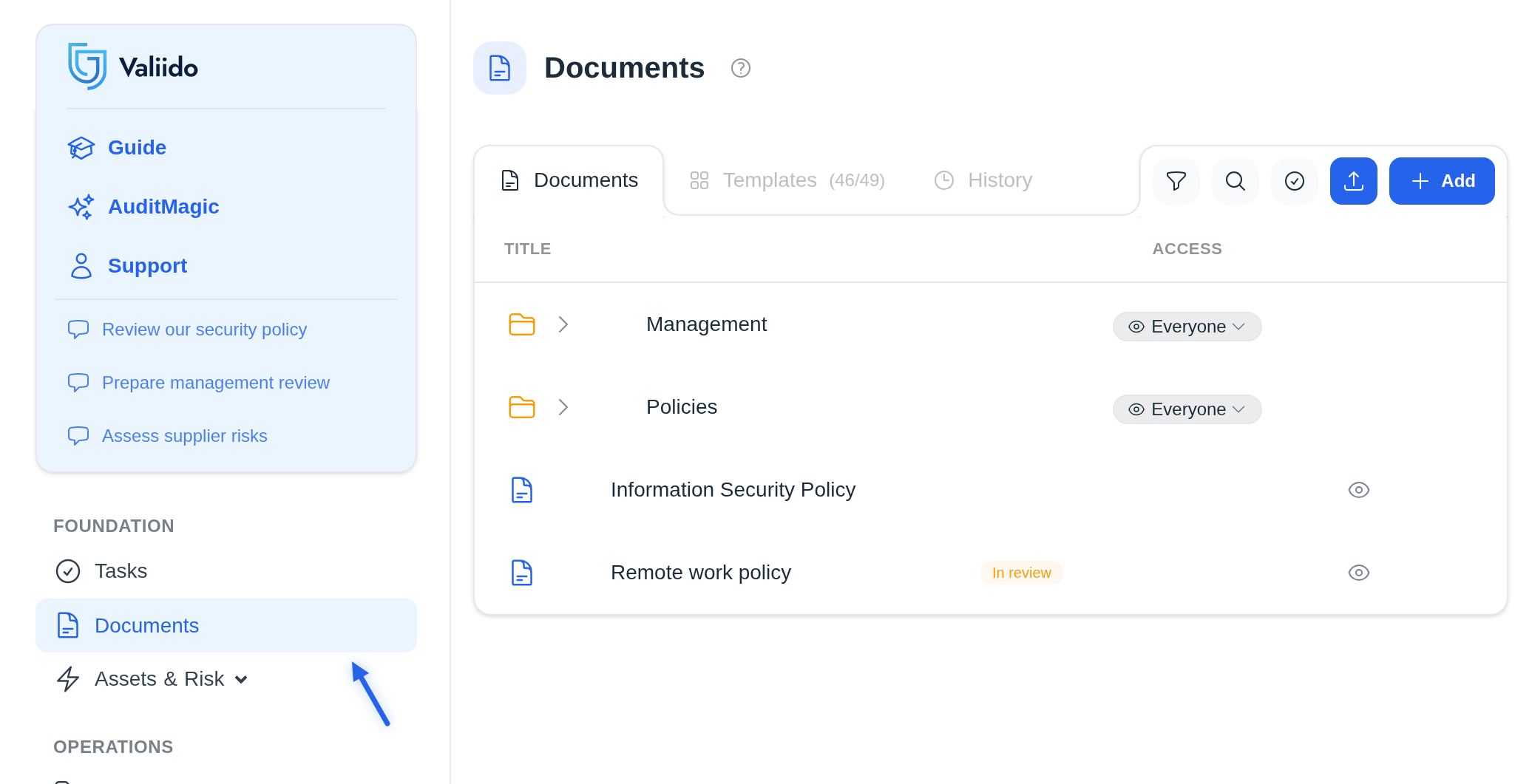
Create a document or folder
- Select Add, then Document or Folder.
- Enter a title and select Save.
- Drag the document into a folder or select one under Folder in the details.
Tip: Copy a policy or procedure from Templates and Valiido creates its folder. Start with the document control procedure.
Edit a document
- Open the document and select Edit.
- Write the text and select Save.
- Fill in Scope of Application and Responsibilities in the details.
To download the document, select Export PDF.
Upload a PDF
- For finished files such as signed policies, select Upload PDF.
- Choose a PDF up to 50 MB.
The file name becomes the title. Valiido extracts the text for AuditMagic. Scans without a text layer cannot be reviewed. Use to download the PDF with a cover page of the document details and approval. For the unchanged file, select → Download original.
Approve a document
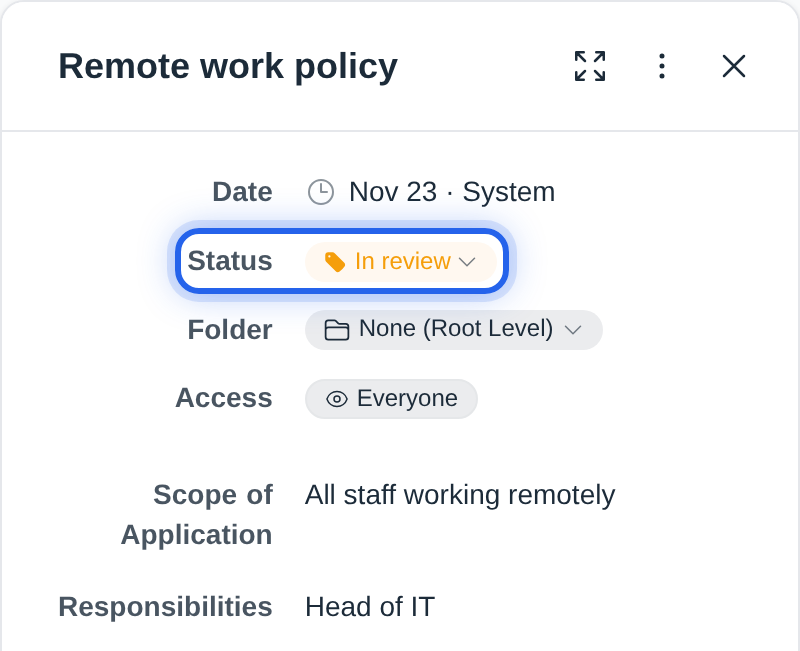
- In the details, set Status to In review.
- An admin selects Approved.
New documents start as approved. Valiido records who approved each document and when. The PDF includes both details.
Schedule a recurring task to review each document at least annually and after significant changes. Approve it again to record who reviewed it and when.
Restrict read access
- Open Access in the folder details, for example for internal ISMS or HR documents.
- Use to select the access levels that can read the folder.
Other users cannot see the folder, its subfolders, or its documents. Document editors can still see everything. Auditors retain read access until you deselect their access level. Moved documents inherit their new folder’s permissions.
Common questions
How do I export all documents?
As an admin, select Administration → Export data. The ZIP contains every document as a PDF, including uploaded originals. See Data export.
How do I bring in existing Word policies?
Save the Word file as a PDF and upload it. To keep editing in Valiido, copy the text into a new document.
Are older versions kept?
In the history at the bottom of the details, select View this version to see the document after any change.
How do I get a deleted document back?
Under History, filter for deleted documents with and select Restore. When you delete or restore a folder, its contents follow.