
Use internal and external audits to check whether your ISMS follows your rules and meets the standard’s requirements.
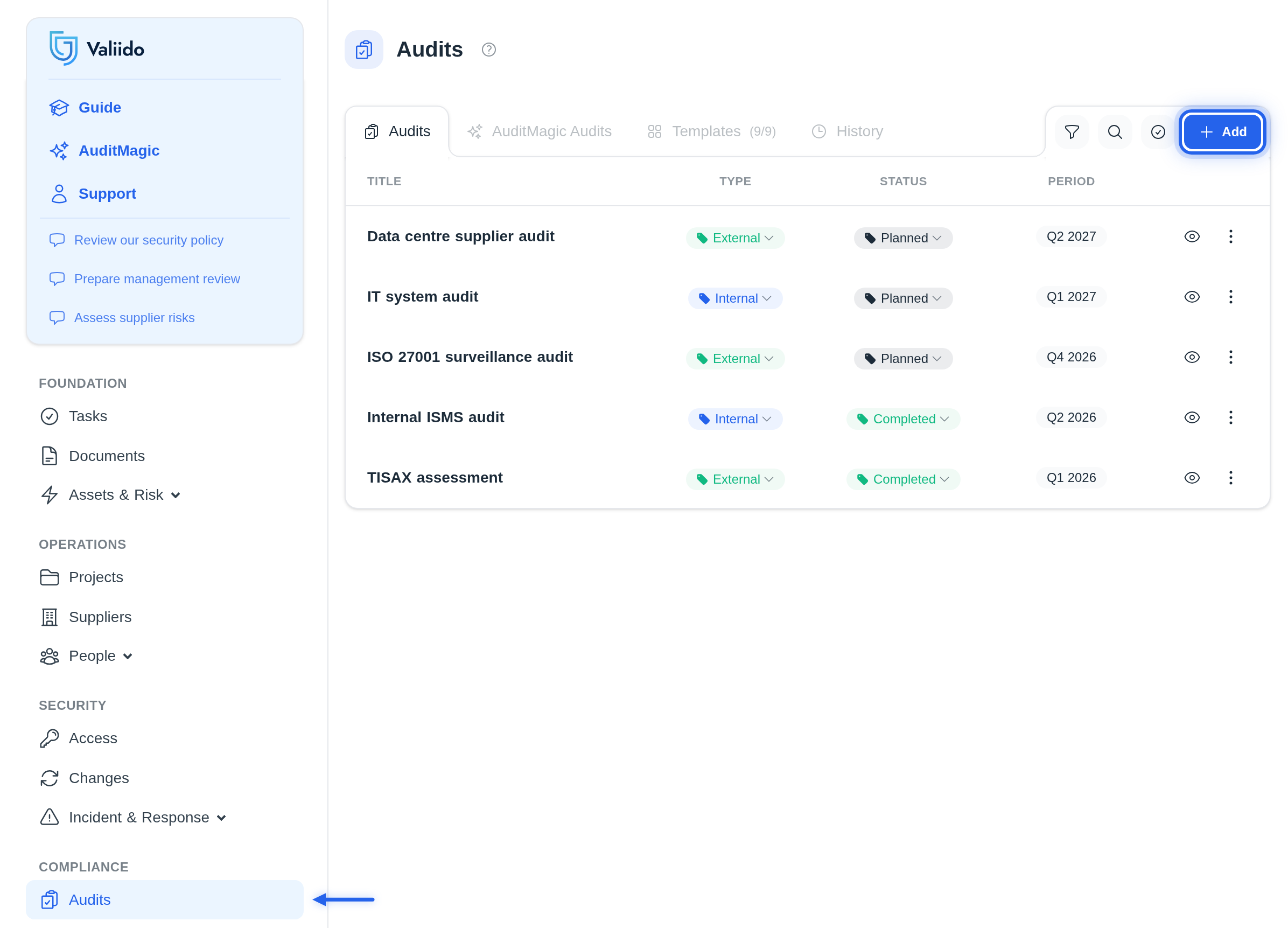
Plan an audit
Plan internal audits, certification, surveillance audits, and technical tests in your three-year audit program. Management approves the program.
- Select Add, enter a title, and select Save.
- Under Type, choose Internal or External.
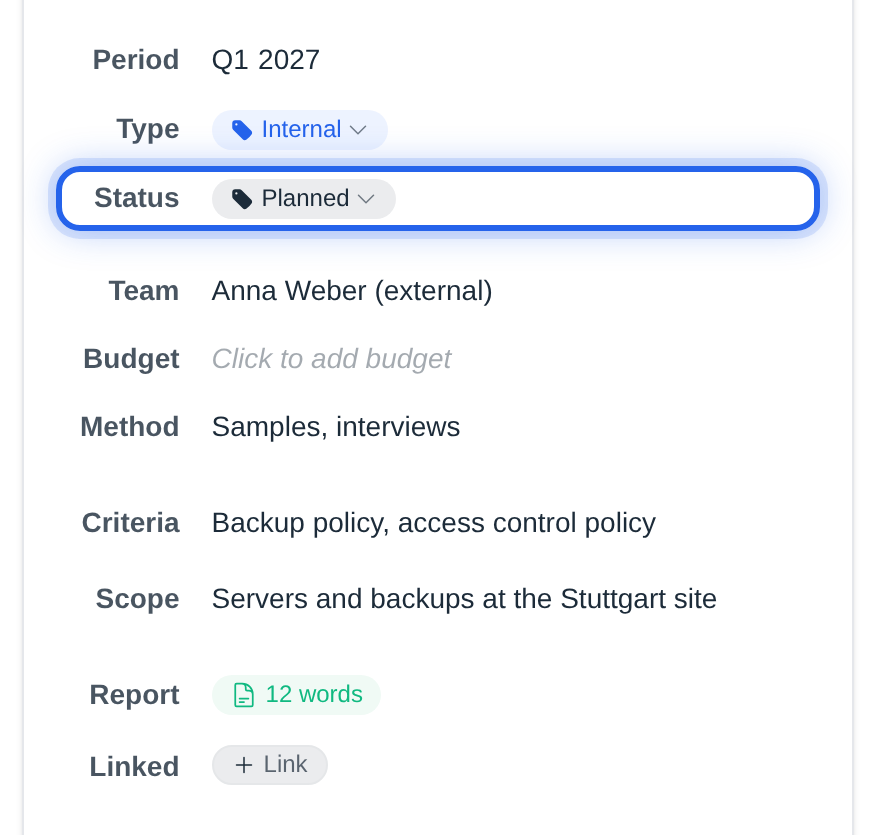
- Add details such as criteria (a policy or a clause of a standard), scope, and team.
New audits start as internal audits planned for the current quarter.
Tip: Look under Templates for audits such as the ISO 27001 surveillance audit.
Findings and corrective actions
- Open the audit and select Edit.
- Record findings, nonconformities, and recommendations. Select Save Report.
- Under Linked, select Link, then choose the corrective action task.
Download the report using PDF and present it to management.
Complete an audit
- Set the status to Completed. This locks the title, period, type, text fields, and report.
- To make changes, select Planned again.
Give auditors access
- Open Valiido Access.
- Invite the auditor with the Auditor access level.
Auditors have read-only access to all areas. For restricted records, auditors keep access until you deselect them there.
Common questions
Can I conduct the internal audit myself?
ISO 27001 clause 9.2.2 requires objectivity and impartiality. Audit only areas outside your responsibility. Choose the audit team with management and list its members under Team.
How do I prepare for the external audit?
Update the Statement of Applicability under Reports. Close open corrective actions and give the auditor read access.
How often should I conduct internal audits?
Cover every requirement once per three-year certification cycle, for example by auditing a third each year. For TISAX, cover every ISA requirement.
Is there a template for an IT system audit?
Under Templates, copy “Functionality and performance of the technical IT system.” The “Audit procedure” document template describes the process.