
KPIs show whether you meet your information security objectives. Deviations lead to corrective actions and belong in the management review.
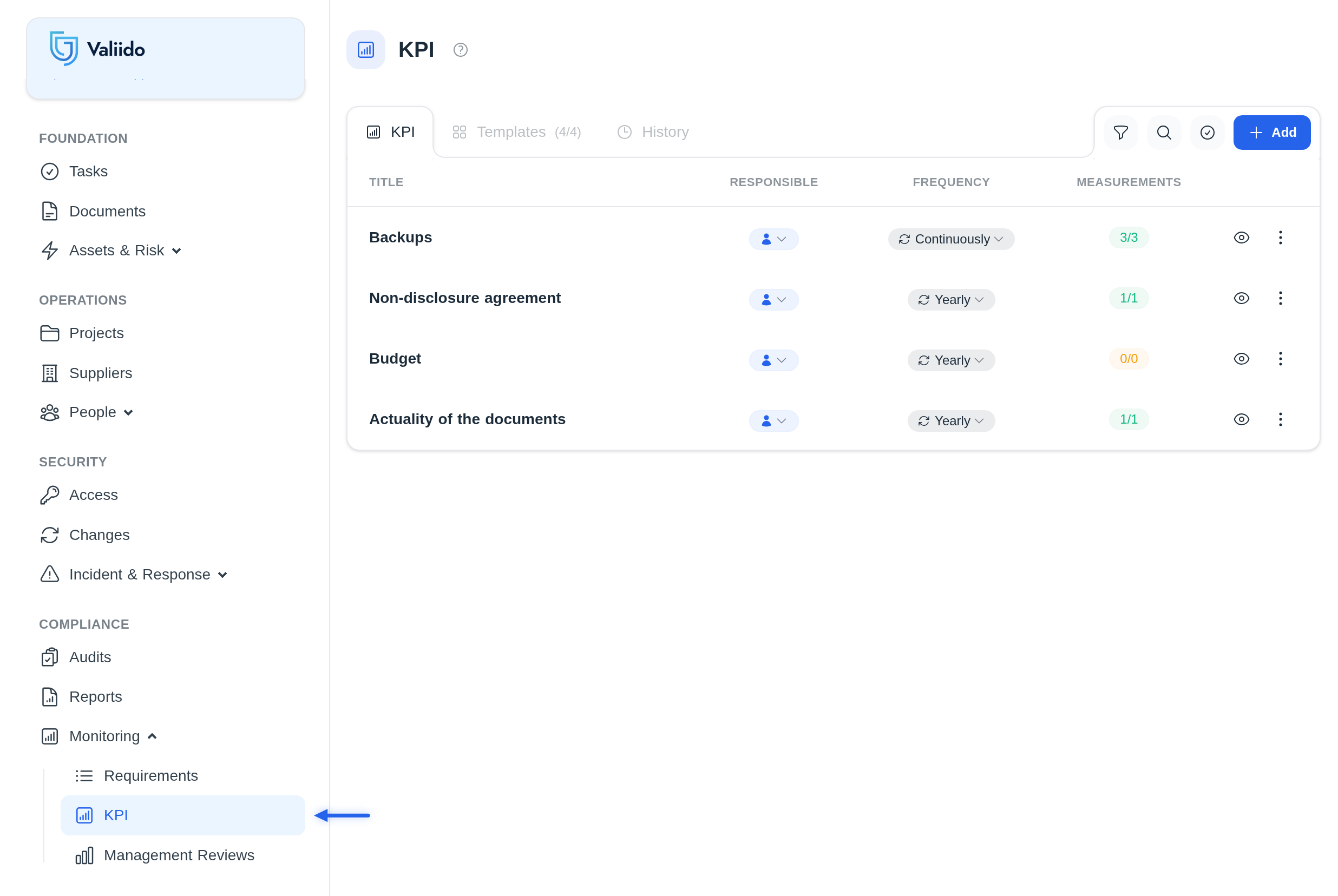
Create a KPI
Start with 3–4 KPIs covering areas such as budget, deadlines, recurring errors, or security incidents.
- Select Add.
- Enter a title and select Save.
- Choose a person or role under Responsible, then set the Frequency.
- Under Definition, replace the default goal of “TBD” with the KPI’s purpose. Add the measurement procedure and data sources.
Tip: Find “Backups” and “Actuality of the documents” under Templates.
Target and measurements
Compare your measurements with the target.
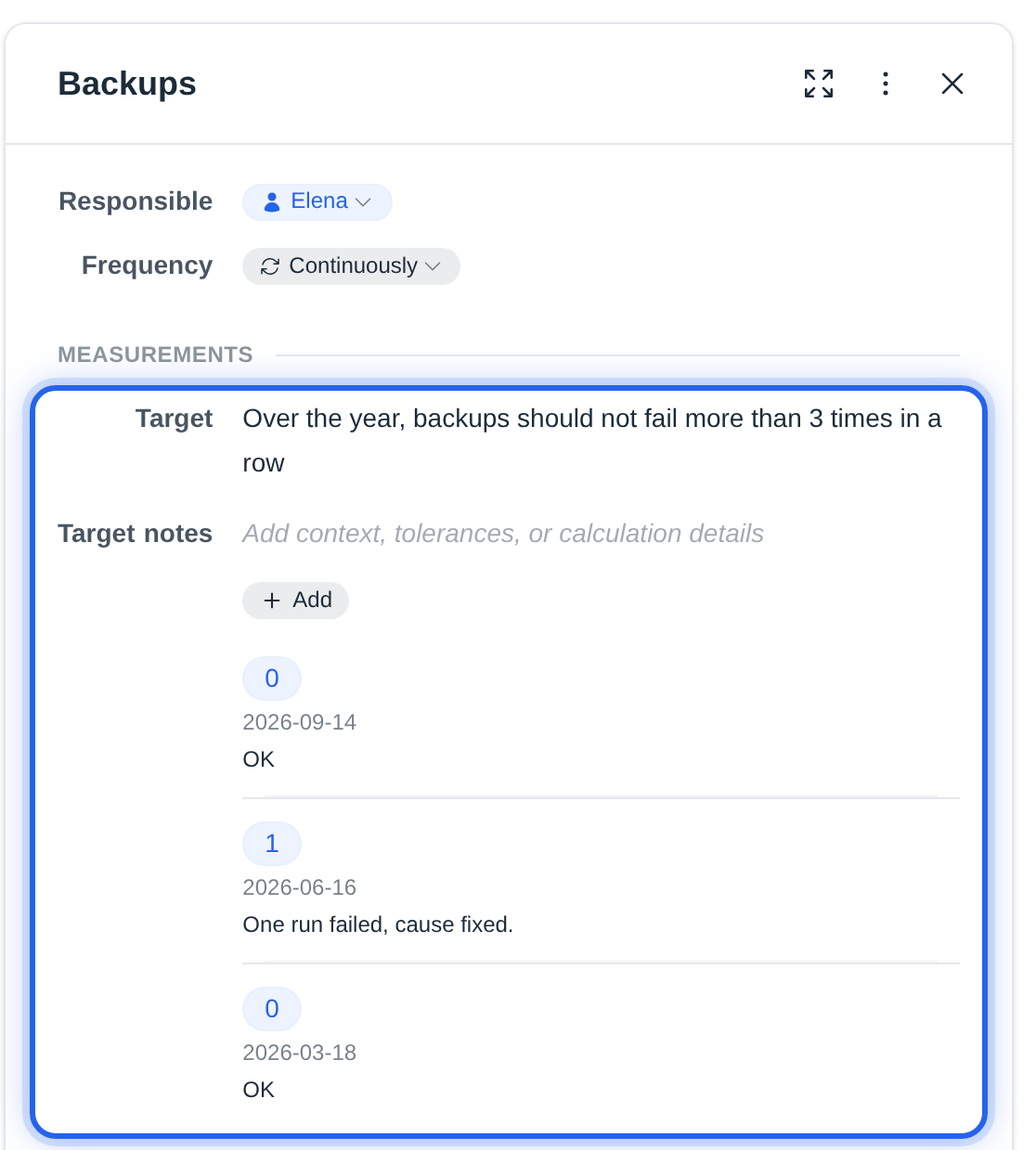
- Under Measurements, enter the Target, such as 99% or fewer than 5 incidents.
- Select Add.
- Enter the value and your notes, then select Add.
In the Measurements column, 2/3 means two of three measurements have a value.
Measure before each management review. If you miss the target, create a corrective action task. If you consistently meet it, raise it.
Common questions
Where do I enter annual measurements?
Record each measurement in the KPI. You can’t change its date, which is the day you enter it.
Does Valiido send measurement reminders?
No. Create a recurring task and link it to the KPI under Linked.
How do I correct a measurement?
Use the pencil to edit a measurement or the trash can to delete it permanently.
Does AuditMagic check my KPIs?
Yes, whenever you change the KPI or a measurement. A KPI without a target is incomplete.