
Use the management review under ISO 27001 clause 9.3 to brief management on the ISMS and agree on follow-up actions.
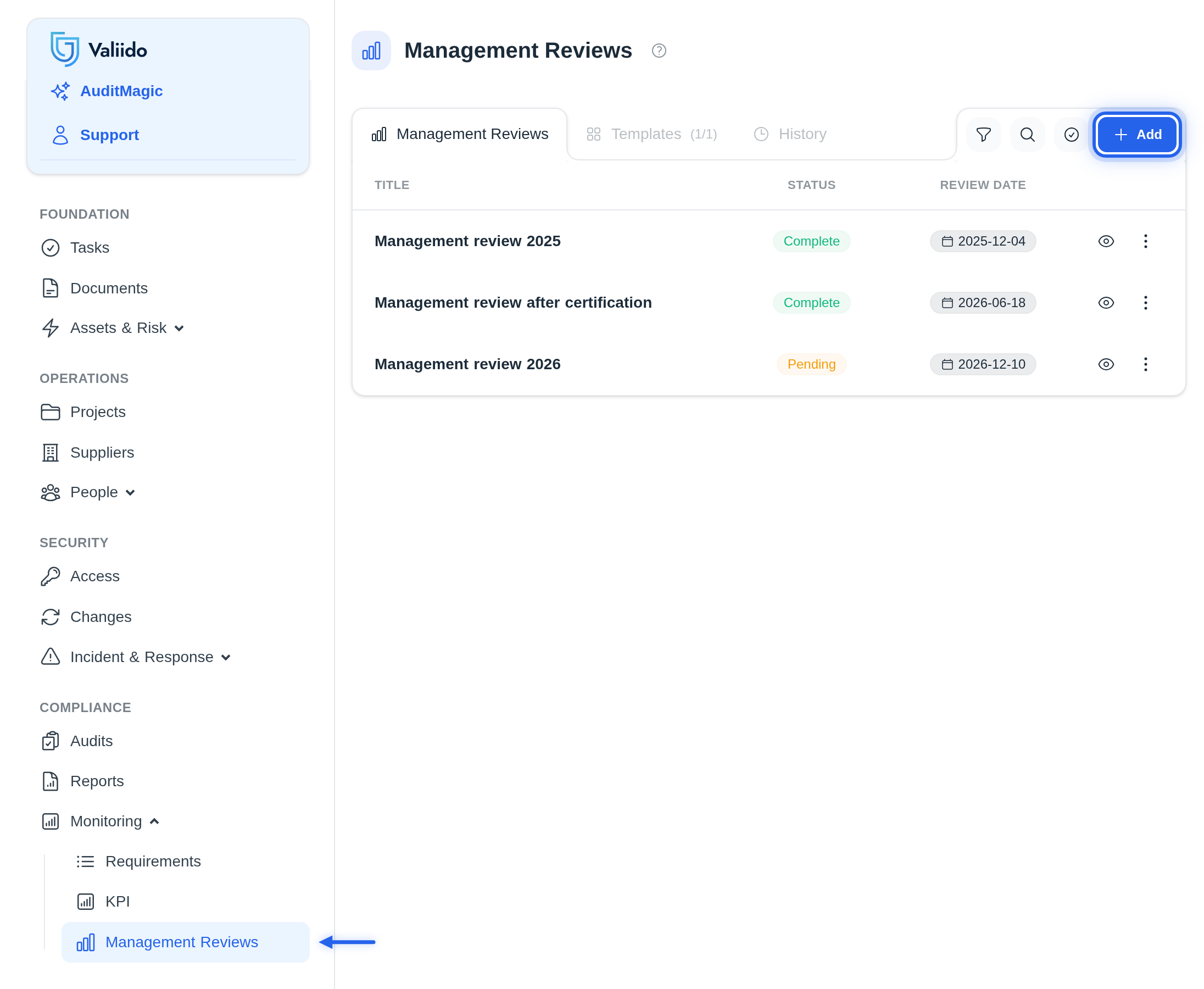
Create a review
- Select Add, enter a title, and save.
- Set the review date. New reviews are pending.
Tip: Under Templates, “Example Management Review” organizes all inputs and decisions.
Record inputs and decisions
- Open the review and select Edit.
- During the meeting, record inputs such as audits, incidents, risks, and KPIs.
- Add the decisions and select Save Content.
Select View to read the minutes.
Link follow-up actions
Give each follow-up action its own task, owner, and due date.
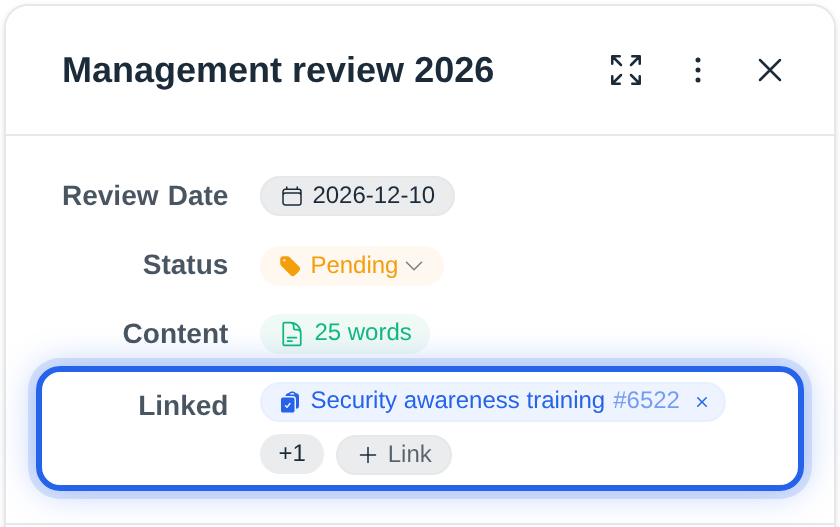
- Open the review.
- Under Linked, select Link, then the task.
Also link the KPIs, audits, and incidents you discussed.
Complete a review
- Set the status to Complete.
- Select PDF to download the minutes.
Have management and the ISO sign the minutes or confirm them by email. Keep them as evidence.
To resume editing, reset the status to Pending.
Common questions
What must a management review cover?
Clause 9.3.2 requires topics including previous actions and their status, changes, audit and measurement results, risks, and opportunities for improvement. Record decisions under clause 9.3.3. For NIS2, include the classification, reports, and any BSI orders.
Does Valiido collect the inputs automatically?
No. Record the inputs in the review and link sources such as KPIs and audits.
How often should you hold a management review?
At least annually and after certification audits, incidents, or major changes. Schedule a recurring task and select Yearly.
Who takes part?
Management and the ISO, plus topic owners as needed.