
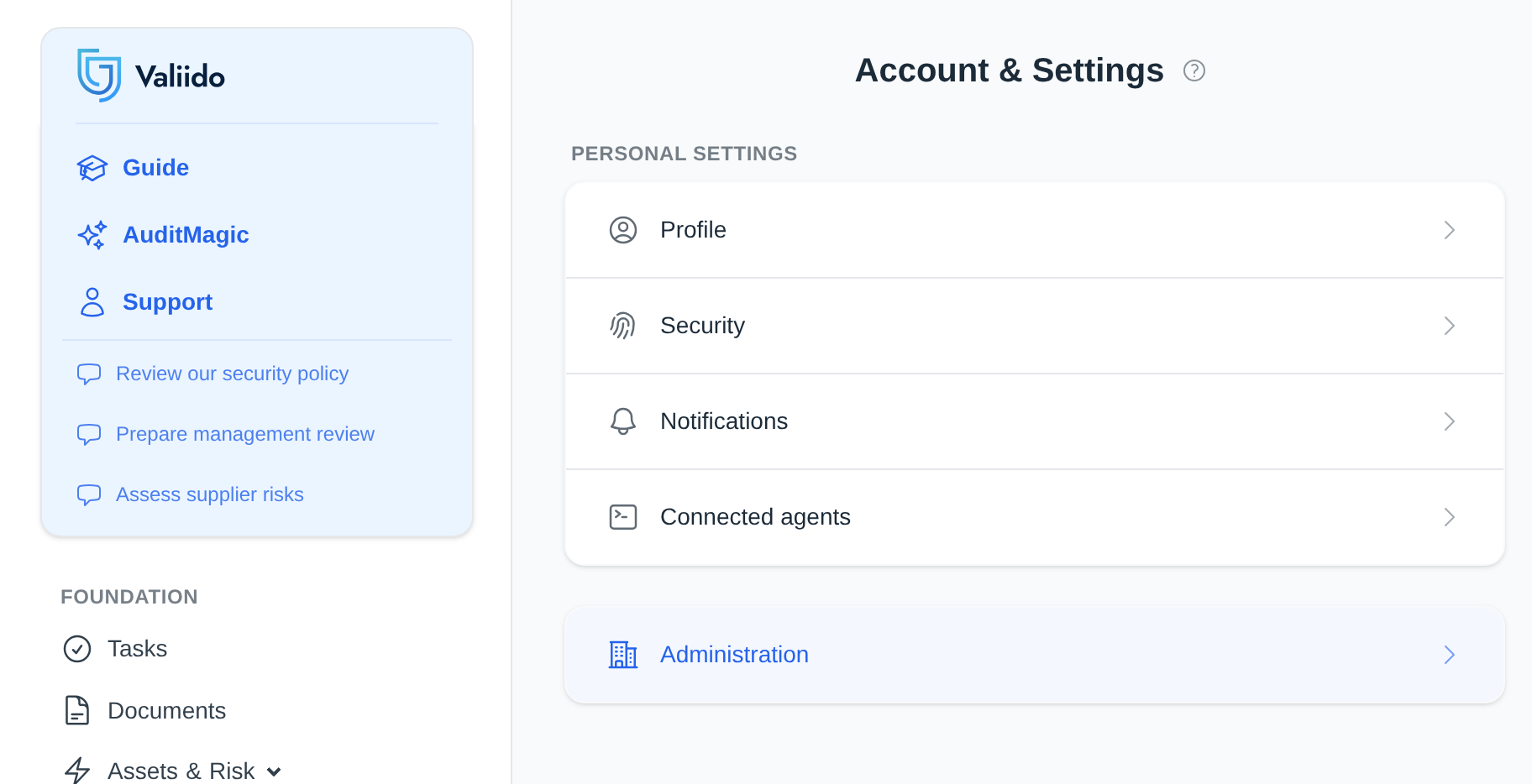
Your name at the bottom of the sidebar opens settings.
Edit your profile
- Select Profile.
- Edit your display name and job title. Select Save.
Valiido saves profile picture uploads immediately.
Sign in with a passkey
Under Security, switch from your password to Passkeys.
Change your password
- Select Security → Change password.
- Enter your current password, then your new password twice. Select Update password.
Passkey sign-in hides this option.
Choose your emails
Choose your emails under Notifications.
Connect an agent
Under Connected agents, pair the Valiido CLI or an AI assistant.
Common questions
Can I save my language preference?
Valiido saves your Language choice under your name and your template language under Templates.