
Record threats from your threat intelligence, such as phishing, ransomware, or new vulnerabilities. Include persistent threats in your risk assessment.
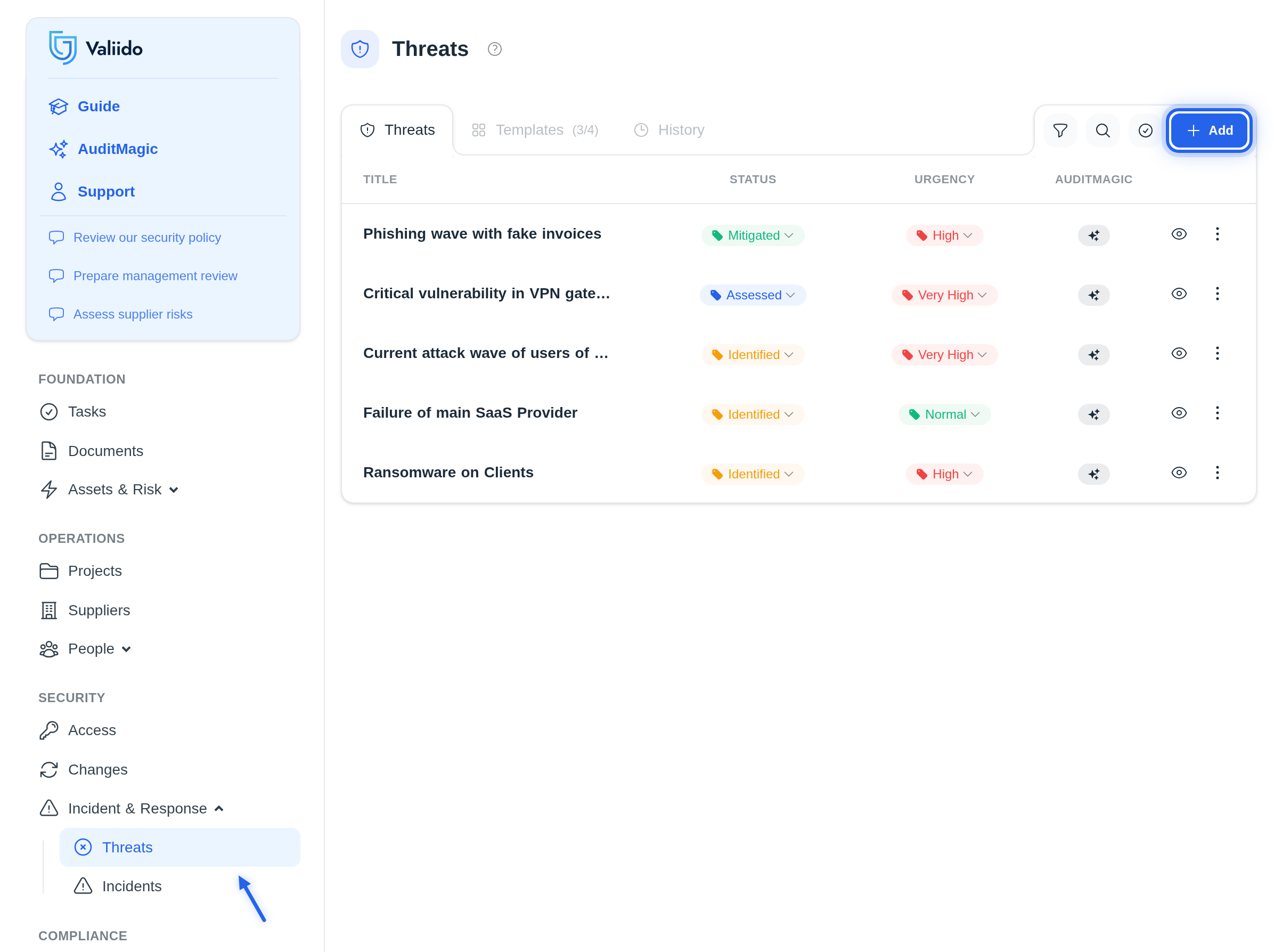
Create a threat
- Select Add.
- Enter a title and select Save.
- Fill in the type and description in the details.
Defaults: Identified status, Normal urgency, Operational type, and today’s date.
Tip: Under Templates, select Copy to use a threat.
Assess relevance
- Choose the Urgency based on the impact on your organization, for example High.
- Select Set owner and explain your assessment under Notes.
- Set the Status to Assessed, then to Mitigated once the actions are complete.
Response times: 7 days for Normal, 24 hours for High, and immediate for Very High.
Link to risks
Identify actions for each threat and link the risks it creates.
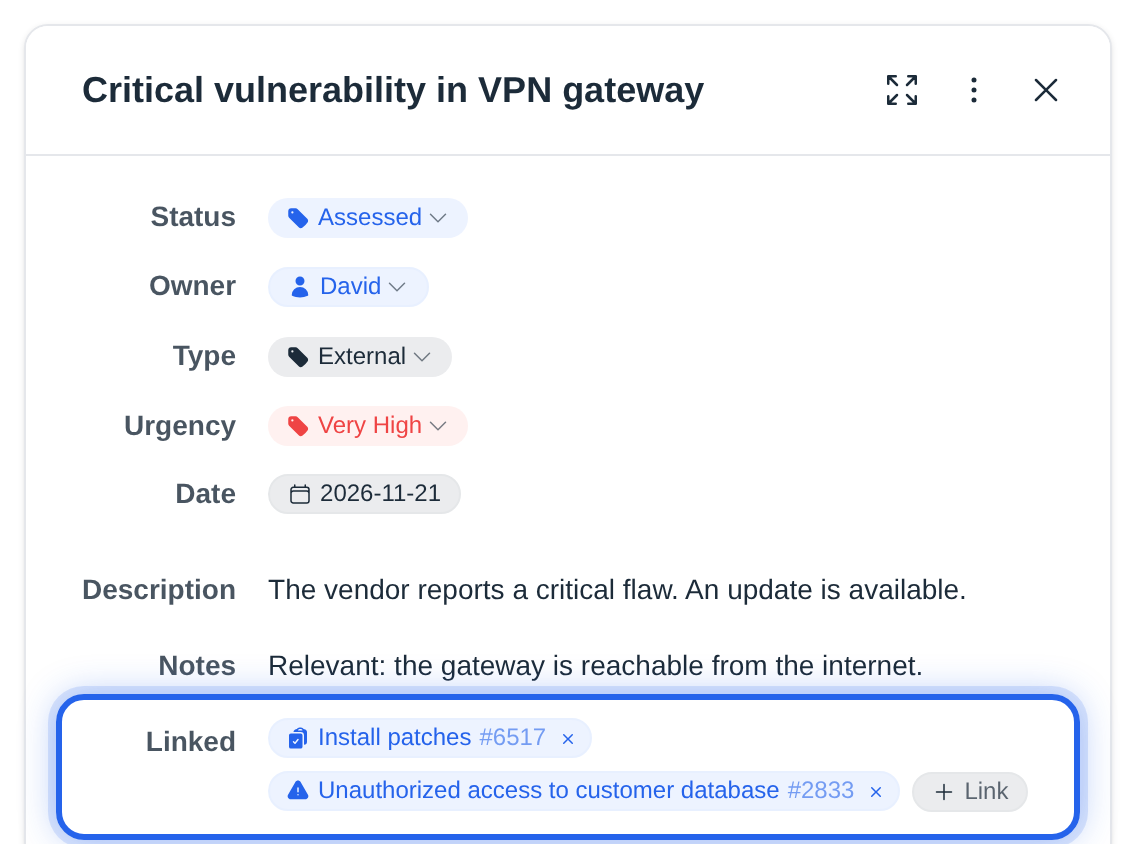
- Open the threat.
- Under Linked, select Link and search for the risk.
The link also appears on the risk. Link assets, tasks, and vendors the same way. Discuss the threat landscape at every management review.
Common questions
How do I record a new vulnerability (CVE)?
Choose the Operational type and include the CVE number in the title. Link the affected assets and a patching task.
Who sees threats?
Admin, Team, and IT can edit threats. Auditors have read access. HR and Employee have no access.
Does AuditMagic review my threats?
Yes, after every save. Find the result in the AuditMagic column.
How do I get a deleted threat back?
Like any record, see Duplicate & restore.