
The Statement of Applicability (SoA) and the TISAX implementation description give auditors evidence of compliance for each control. Valiido calculates both from completed guide tasks in real time.
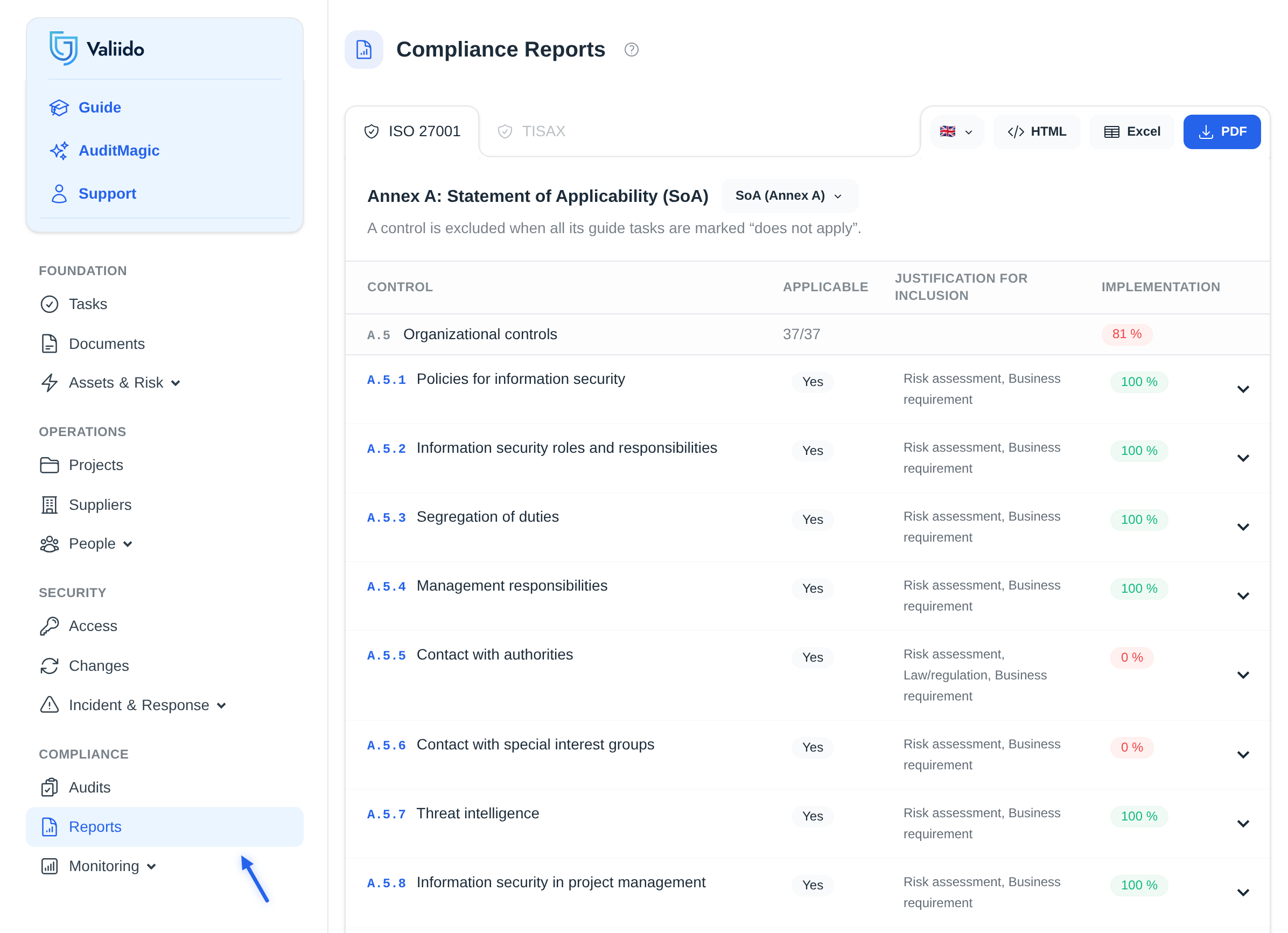
Open a report
- Select the ISO 27001 or TISAX tab.
- For ISO 27001, select SoA (Annex A) or Requirements (clauses 4–10).
- Open a control for its guide tasks, related documents, and implementation description.
Frameworks you select in the guide come first.
ISO 27001: Statement of Applicability (SoA)
Valiido builds the SoA for you, you don't need a separate SoA document.
- Select the ISO 27001 tab.
- Check each control’s applicability, justification for inclusion, and implementation.
Implementation measures the share of completed guide tasks per control. The justification comes from Valiido’s template. Check that the SoA accurately reflects your risks at audit time.
TISAX: self-assessment (VDA ISA)
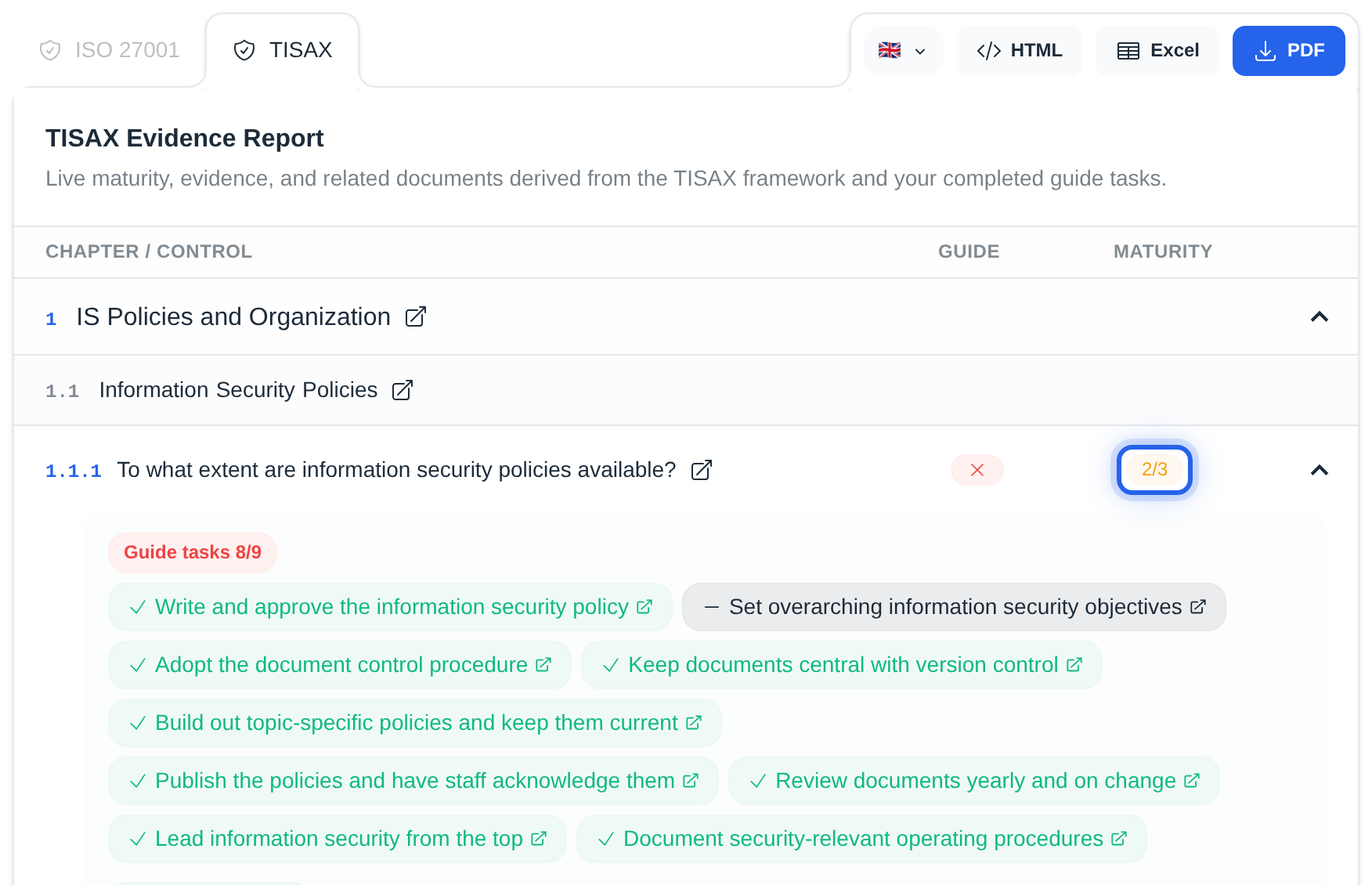
- Select the TISAX tab.
- Check each control’s maturity level (0 to 3) and implementation description. This is your self-assessment, you don't need a separate Excel template.
Complete all the control’s guide tasks to reach the target of 3. Partial completion scores 2 for half or more, 1 for less. Use to open the control in the guide.
Export a report
- Use the flag to select the report language.
- Select HTML, Excel or PDF.
You export the open tab or, for ISO 27001, the selected part. If the framework lacks a translation in your language, the report appears in English.
Tip: Complete tasks in the guide. Reopen the report to see your progress.
Common questions
Can I export the TISAX self-assessment in ISA format?
No. For each control, copy the maturity level, guide tasks, related content, and implementation description from the Excel file into your ISA catalog.
Why does a document say "missing"?
You haven’t copied the guide’s recommended template to your documents yet.
Who can see the reports?
On Plus and Pro, Admin, Team, IT, and Auditor have access. HR and Employee do not.